
This is a CITIZEN watch user manual, which covers the connection, pairing, disconnection between the watch and the smartphone
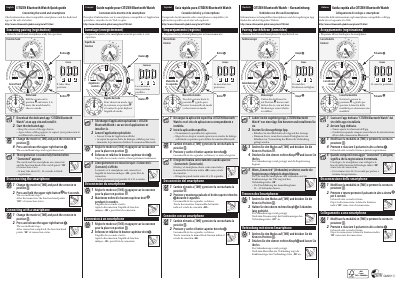
This quick guide explains how to connect the Citizen W770 Bluetooth watch to a smartphone. It covers downloading the dedicated CITIZEN Bluetooth Watch app, pairing (registering) the watch, disconnecting the smartphone, and reconnecting the watch.
The guide is printed in several languages and points to the Citizen website for compatible smartphones and the dedicated app. Registration takes about 20 to 30 seconds, and the watch's function hand shows ON or OFF for the connection status.
| Registration (pairing) time | About 20-30 seconds |
|---|
Download and install the dedicated CITIZEN Bluetooth Watch app, start it, set the watch mode to [TME], push the crown to position 2, then press and release the upper right button. Registration finishes when "Connected" appears.
About 20 to 30 seconds.
Set the mode to [TME], push the crown to position 2, and press and hold the upper right button for 4 seconds; the function hand then points to "OFF".
On the Citizen website at citizenwatch-global.com/gim/w770.html.