
This is a quick start guide for PD1041 Hardened Surge Protection Device. It introduces the basic functions and usage of the product.
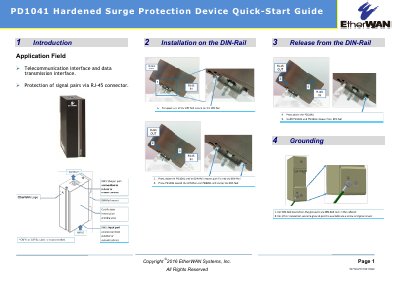
The EtherWAN PD1041 is a hardened surge protection device covered by this quick-start guide. It describes DIN-Rail installation and release, grounding, application fields, electrical and mechanical specifications, regulatory approvals, and an application distance limitation.
The guide also notes protection of signal pairs via an RJ-45 connector and provides an electrical specification table with surge ratings, voltage limits, response times, and attenuation values.
| Dimensions | 62.5mm (W) x 100mm (H) x 30mm (D) |
|---|---|
| Casing | Aluminum case |
| Installation | DIN-Rail |
| Operating temperature | 40°C to 75°C (-40°F to 167°F) |
| Ambient relative humidity | 5% to 95%, non-condensation |
| Connection | RJ-45 connector |
The PD1041 is installed on a DIN-Rail.
For DIN-Rail installation, the ground is via the DIN-Rail rack in the cabinet.
The suggested total cable distance is 97 m.