
This manual introduces the functions and features of the EtherWAN ED3575 Ethernet Extender.
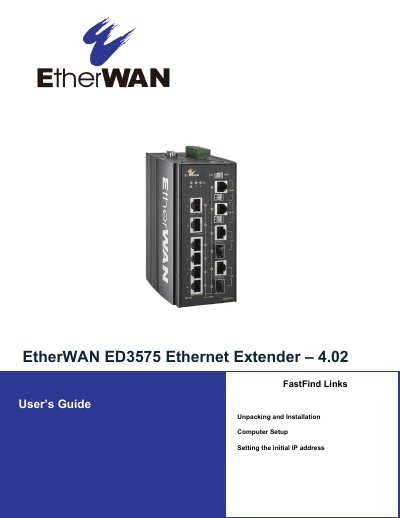
The EtherWAN ED3575 is an Ethernet extender device designed to extend network connectivity. This user guide details the setup process, including unpacking, initial IP address configuration, and computer setup for management.
The document provides comprehensive instructions on configuring the device using both a web interface and Command Line Interface (CLI). Topics include setting static or DHCP addresses, managing VLANs, configuring security protocols like SSH and Telnet, and performing system maintenance such as firmware upgrades and backups.
| Product Name | EtherWAN ED3575 Ethernet Extender |
|---|---|
| Supported Firmware Version | 4.02 |
Details on the EtherWAN warranty replacement policy are available on their website at www.etherwan.com.
The manual indicates a section dedicated to finding the Default IP but does not state the specific numerical value in the provided text.