
This manual introduces the function and use of EtherWAN Managed Switch Firmware 4.02.3.2.
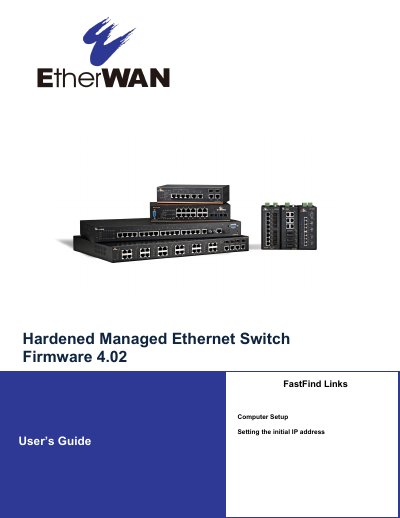
This manual provides instructions for configuring EtherWAN managed switches running firmware version 4.02. It covers initial setup, including setting the initial IP address and default credentials. The guide details management methods and protocols such as CLI commands and the web interface for system configuration.
This manual covers EtherWAN switches running firmware version 4.02, including the EX61000, EX63000, EX71000, EX73000, EX78000, EX87000, EX77000, and EX27000 models.
The switch can extend PoE to 250 meters.
The system defines a blocked port for the ring.