
Key facts
- Manuals
- 4
- Models
- 1
- Languages
- EN
- Last added
- 2023-10-16
EtherWAN models by category
Featured EtherWAN manuals
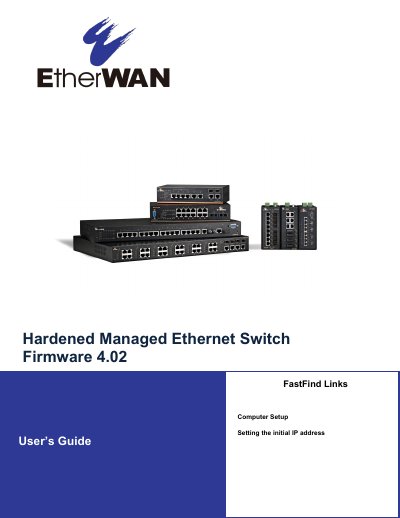
EtherWAN Managed Switch Firmware 4.02 User's Guide
This manual serves as a user guide for EtherWAN managed switches running firmware version 4.02. It covers a wide range of models including the EX61000, EX63000, EX71000, EX73000, EX78000, EX87000, EX77000, and EX27000 series. The document provides instructions on device setup, initial IP address configuration, security warnings, and document usage norms.
Covers: Computer Setup · Management Methods and Protocols · System Menu · User Account · Diagnostics · Port Configuration
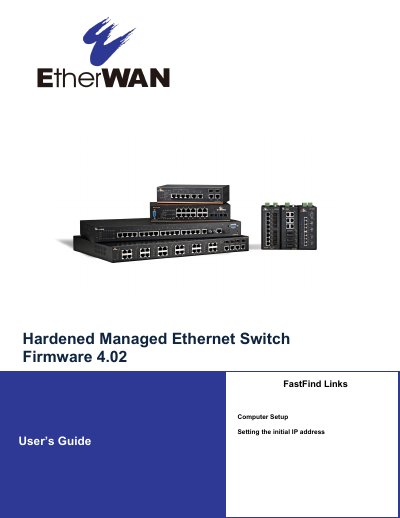
EtherWAN Managed Switch Firmware 4.02.3.2 Users Manual
This manual provides instructions for configuring EtherWAN managed switches running firmware version 4.02. It covers initial setup, including setting the initial IP address and default credentials. The guide details management methods and protocols such as CLI commands and the web interface for system configuration.
Covers: Computer Setup · Management Methods and Protocols · System Menu · Port Configuration · Switching · STP/Ring Page
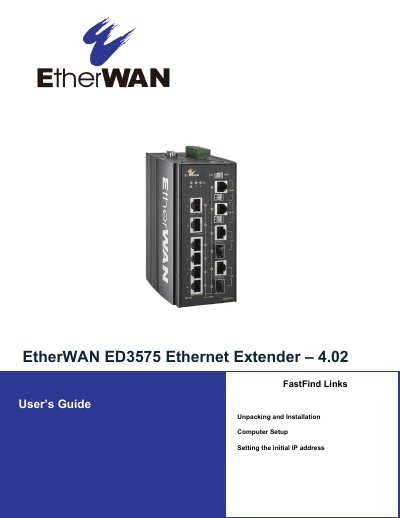
EtherWAN ED3575 Ethernet Extender User's Guide
The EtherWAN ED3575 is an Ethernet extender device designed to extend network connectivity. This user guide details the setup process, including unpacking, initial IP address configuration, and computer setup for management.
The document provides comprehensive instructions on configuring the device using both a web interface and Command Line Interface (CLI). Topics include setting static or DHCP addresses, managing VLANs, configuring security protocols like SSH and Telnet, and performing system maintenance such as firmware upgrades and backups.
Covers: Unpacking and Installation · Computer Setup · Setting the initial IP address · CLI Command Usage · System Information · Management Interface Configuration
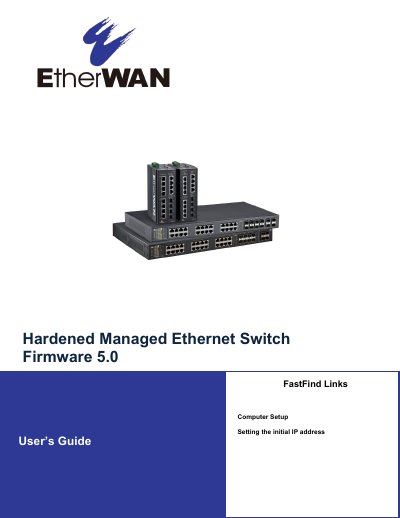
EtherWAN Managed Switch Firmware 5.0 Users Manual
This document serves as the user manual for EtherWAN managed Ethernet switches running Firmware 5.0. It supports the EX78900E, EX75900, EX73900E series, and EX78934X models. The guide details procedures for initial setup, including setting the initial IP address and default gateway, as well as managing user accounts and privileges.
Covers: Computer Setup · Management Methods and Protocols · Login Process and Default Credentials · CLI Command Usage · System Menu (Web interface) · IP Address Configuration
Latest EtherWAN manuals
EtherWAN Managed Switch Firmware 4.02 User's Guide
User Manual 315 pages · 8.6 MB · ENUser guide for EtherWAN managed switch firmware version 4.02 covering setup, configuration, and management for EX61000 through EX87000 series.
EtherWAN Managed Switch Firmware 4.02.3.2 Users Manual
User Manual 318 pages · 8 MB · ENUser guide for EtherWAN managed switches running firmware 4.02, covering setup, configuration, and management via CLI and web interface.
EtherWAN ED3575 Ethernet Extender User's Guide
User Manual 298 pages · 8 MB · ENThis manual provides operating instructions for the EtherWAN ED3575 Ethernet Extender, covering installation, configuration via CLI and web interface…
EtherWAN Managed Switch Firmware 5.0 Users Manual
User Manual 309 pages · 7 MB · ENThis manual provides operating instructions for EtherWAN managed switches running Firmware 5.0, covering setup, configuration, and management.
Which document do I need?
User Manual
Day-to-day operation, settings and troubleshooting. Start here if the product is already set up.
Questions answered in EtherWAN manuals
Which EtherWAN switch models are supported by this manual?
This manual supports EtherWAN switches running firmware version 4.02, including the EX61000, EX63000, EX71000, EX73000, EX78000, EX87000, EX77000, and EX27000 models.
How can I configure the initial IP address for the switch?
You can set the initial IP address using the Computer Setup section or by configuring it via the CLI under the IP Address settings.
Which EtherWAN switch models are supported by this manual?
This manual covers EtherWAN switches running firmware version 4.02, including the EX61000, EX63000, EX71000, EX73000, EX78000, EX87000, EX77000, and EX27000 models.
From: EtherWAN Managed Switch Firmware 4.02.3.2 Users Manual
What is the maximum distance for PoE extension?
The switch can extend PoE to 250 meters.
From: EtherWAN Managed Switch Firmware 4.02.3.2 Users Manual
Where can I find the warranty replacement policy?
Details on the EtherWAN warranty replacement policy are available on their website at www.etherwan.com.
What is the default IP address for the device?
The manual indicates a section dedicated to finding the Default IP but does not state the specific numerical value in the provided text.