
EtherWAN Managed Switch Firmware 5.0 Users Manual

This manual describes the features and characteristics of the EtherWAN 5.0 firmware version of the managed switch, including the installer, initial configuration, configuration and management.
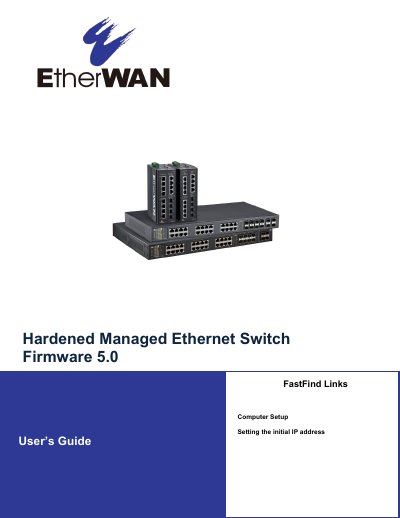

EtherWAN Managed Switch Firmware 5.0 Users Manual - cover page
Brand
EtherWAN
Category
switch
Document type
User Manual
Language
English
Pages
309
File format
PDF
File size
7 MB
Published
16 October, 2023
Updated
16 October, 2023
MD5 checksum
ED810ED1FF5E406D10F60E5ABD3040B2

About this manual

This document serves as the user manual for EtherWAN managed Ethernet switches running Firmware 5.0. It supports the EX78900E, EX75900, EX73900E series, and EX78934X models. The guide details procedures for initial setup, including setting the initial IP address and default gateway, as well as managing user accounts and privileges.

What's inside

  • Computer Setup
  • Management Methods and Protocols
  • Login Process and Default Credentials
  • CLI Command Usage
  • System Menu (Web interface)
  • IP Address Configuration
  • Firmware Upgrade
  • User Account Management
  • Port Configuration
  • Remote Logging

Frequently asked questions

What is the product described in this manual?

This document covers the EtherWAN Hardened Managed Ethernet Switch running firmware version 5.0.

Which specific switch models are supported by this manual?

The manual applies to EX78900E, EX75900, and EX73900E series switches, as well as the EX78934X model.

Where can a user find details on the EtherWAN warranty replacement policy?

Details regarding the warranty replacement policy are available by visiting www.etherwan.com.

Download PDF (7 MB)

More EtherWAN Manuals


View all EtherWAN manuals →