
This user manual is intended to guide users in installing and configuring EtherWAN switches
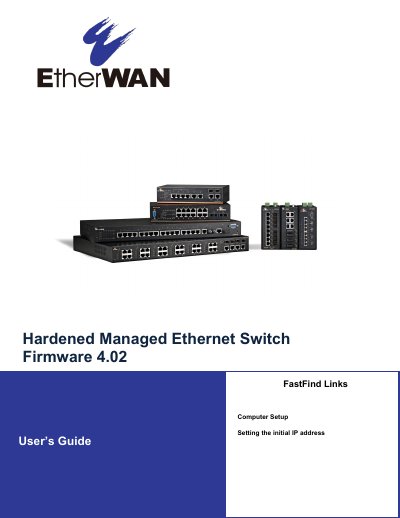
This manual serves as a user guide for EtherWAN managed switches running firmware version 4.02. It covers a wide range of models including the EX61000, EX63000, EX71000, EX73000, EX78000, EX87000, EX77000, and EX27000 series. The document provides instructions on device setup, initial IP address configuration, security warnings, and document usage norms.
This manual supports EtherWAN switches running firmware version 4.02, including the EX61000, EX63000, EX71000, EX73000, EX78000, EX87000, EX77000, and EX27000 models.
You can set the initial IP address using the Computer Setup section or by configuring it via the CLI under the IP Address settings.
The switch supports management methods including Simple IP Addressing, CLI commands, HTTPS, Telnet, and SSH.