
testo 184 · USB Transport data logger Instruction manual
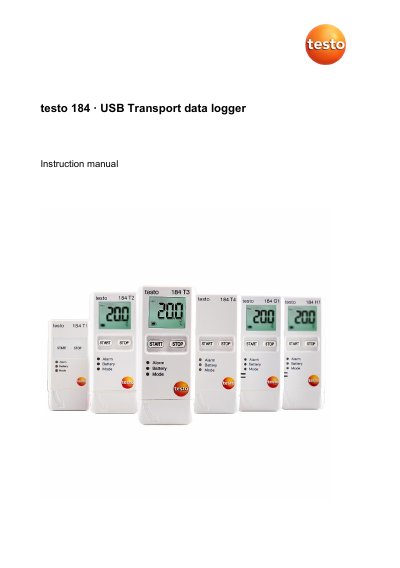
This document serves as the instruction manual for the Testo 184 USB transport data logger, designed for monitoring the transportation of products subject to cold chain requirements. It details the use of the device to save and read out individual readings and measurement series for temperature, humidity, and acceleration without requiring installed software. The manual covers various product versions, including single-use models (T1, T2) and reusable models (T3, T4, H1, G1), each with specific sensor types and capabilities.
| Measuring parameters | Temperature, Humidity, Acceleration |
|---|---|
| Measuring range (Temperature) | -35 to 70 °C |
| Accuracy (Temperature) | ±0.5 K |
| Protection class | IP67 |
| Memory capacity (T1) | 16,000 readings |
| Memory capacity (T3/T4/H1/G1) | 40,000 or 64,000 readings |
| Battery type (T3/T4/H1/G1) | CR2450, replaceable |
| Operating time (T1) | 90 days |
| Operating time (T3) | 500 days |
| Dimensions (T1/T3/T4/H1/G1) | 33 x 9 x 74 mm or 44 x 12 x 97 mm |
No, data logger programming and measurement report output are implemented via PDF files, so no software needs to be installed.
No, configuration and readout of the testo 184 G1 USB transport data logger are not possible with the testo Saveris CFR Software and its transport add-ons.
Acrobat Reader must be used for compatibility reasons; other readers like Foxit Reader are not possible.
Connect the logger to the PC, open Explorer, right-click on the logger, select "Format", and then reconnect it.