
The manual provides safety information, specifications, setup, operation, maintenance and troubleshooting for the Testo 174 data logger.
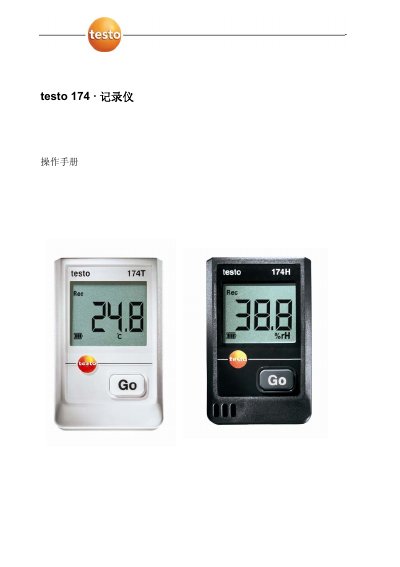
This user manual guides you through safe handling, technical specifications and the first steps to get the Testo 174 data logger up and running. It covers battery installation, mounting, connection to a PC and use of the ComSoft software for data acquisition and analysis.
Additional sections describe routine maintenance, cleaning, warranty extension, and where to obtain accessories or replacement parts. Contact information for Testo service centers in China and Hong Kong is also provided. This manual is written in Chinese.
| Sensor type | Built‑in NTC |
|---|---|
| Temperature range | -30 °C to 70 °C |
| Temperature accuracy | ±0.5 °C |
| Resolution | 0.1 °C |
| Operating temperature | -30 °C to +70 °C |
| Storage temperature | -40 °C to +70 °C |
| Battery type | 2× CR2032 3 V coin cells |
| Battery life | 500 days (15 min interval, +25 °C) |
| Protection rating | IP65 |
| Storage capacity | 16,000 readings |
Open the battery cover by turning it counter‑clockwise, insert two CR2032 3 V coin cells with the positive side outward, then close the cover by turning it clockwise.
First install the Testo ComSoft software, then connect the logger to the computer via the USB interface and slide the logger into the USB connector’s bracket.
Register the product on the Testo website within six months of purchase and provide the invoice information; a free six‑month warranty extension will be granted.