
This is a Raritan electronic door access and control system that supports PX3 and PX3TS, and supports Southco H3-EM-60-100 and other door locks
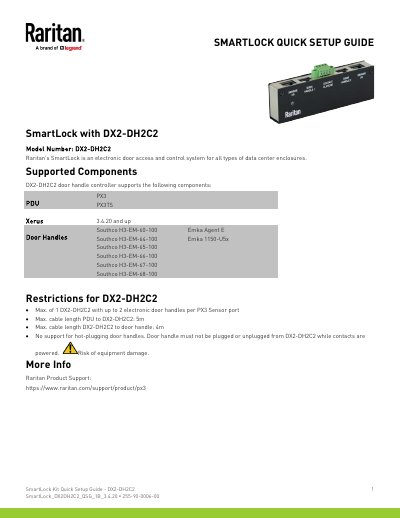
This guide explains how to install and configure the Raritan DX2-DH2C2 door handle controller with compatible PDU units. It covers physical connections, wiring, and web-based configuration steps. The controller supports specific Southco and Emka door handles and requires proper cable lengths and power management to avoid damage. Optional settings include simultaneous unlocking of front and rear doors and integration with Power IQ for card-based access control.
The guide also lists compatible kits with different door handle types and sensors, including mechanical override keys and RFID readers, to help users assemble the system correctly. This manual is written in Chinese.
Max. cable length PDU to DX2-DH2C2: 5m.
No, hot-plugging is not supported. Risk of equipment damage if done while contacts are powered.