
Raritan Dominion PX Quick Start Guide

This guide provides quick installation and setup instructions for the Raritan Dominion PX intelligent PDU, covering mounting, cabling, and initial…
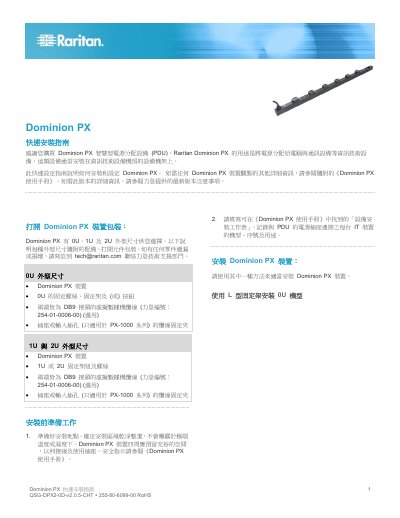

Raritan Dominion PX Quick Start Guide - cover page
Brand
Raritan
Category
Power Management
Document type
Quick Start Guide
Language
Chinese
Pages
8
File format
PDF
File size
823 KB
Published
16 October, 2026
Updated
16 October, 2026
MD5 checksum
B3AB40084D659BC0DAB22E34C2E1C389

About this manual

This document is a Quick Start Guide for the Raritan Dominion PX intelligent Power Distribution Unit (PDU). It details the installation process for various form factors (0U, 1U, and 2U), including mounting using L-brackets, button brackets, or clamp brackets. The guide also covers connecting the device to power sources and computers via serial cables. This manual is written in Chinese.

What's inside

  • Installation Preparation
  • Mounting 0U Models
  • Mounting 1U and 2U Models
  • Installing Cable Straps
  • Connecting to Power
  • Connecting to Computer
  • Connecting to Network
  • Setting Up Dominion PX
  • Network Configuration Commands

Specifications

Form Factors0U, 1U, and 2U
Default Serial Baud Rate115200
Default Usernameadmin
Default Passwordraritan

Frequently asked questions

What are the default serial port settings for Dominion PX?

The default settings are 115200 baud, 8 data bits, 1 stop bit, no parity, and no flow control.

How do I configure the IP address mode on Dominion PX?

Enter the command 'network ipConfigurationMode ' where is either 'dhcp' or 'static'.

Download PDF (823 KB)

More Raritan Manuals


View all Raritan manuals →