
This is the user manual for Acer Aspire 5 A515-51 / A515-51G / A515-41G
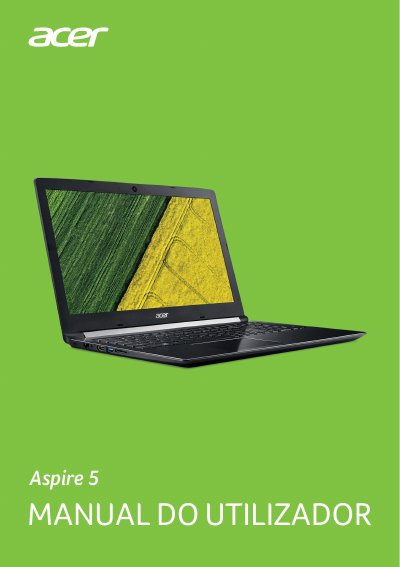
This Portuguese-language user manual covers the Acer Aspire 5, including models A515-51, A515-51G, and A515-41G. It is the April 2017 revision and begins with basic care, a tour of the notebook, keyboard and Precision Touchpad use, recovery, Bluetooth, and internet connections.
Later sections cover Bluelight Shield, computer security and passwords, BIOS utility, power management and battery, traveling with the computer, USB and USB Type-C ports, an SD card reader, video and audio connectors, HDMI, frequently asked questions, troubleshooting, and internet safety. This manual is written in Portuguese.
You can press the power button, press the sleep hotkey, or select Power > Sleep from the Windows Start menu.
Press and hold the power button for up to ten seconds to turn the computer off.
Use a soft cloth moistened with water, and do not use liquid or aerosol cleaning products.
Do not expose the batteries to temperatures below 0°C (32°F) or above 50°C (122°F).