
The Acer V206HQLHDMI 19.5-inch monitor delivers excellent image quality and a comfortable viewing experience. This monitor features a Full HD 1080p resolution for sharp, detailed images, and its high contrast ratio and wide color gamut ensure accurate and vibrant colors. The V206HQLHDMI also has a number of other features, such as an adjustable stand, built-in speakers, and VESA wall mount capability, making it an ideal monitor for any home or office.
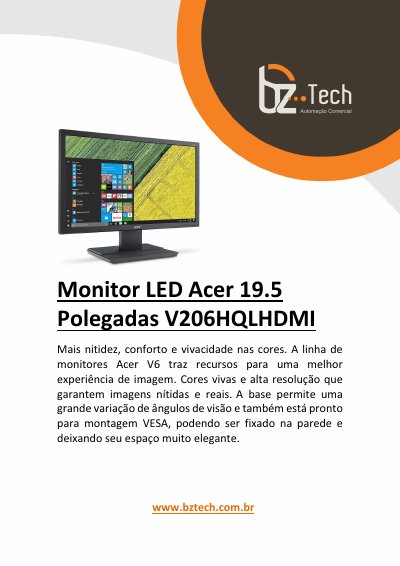
This document is the User's Guide for the Acer V206HQLHDMI 19.5-inch LCD monitor. It provides instructions for recording serial numbers, safety precautions, and general usage tips. The guide notes that the monitor features a VESA-compatible base for wall mounting and offers high resolution for vivid colors. This manual is written in Portuguese.
The monitor is listed as 19.5 Polegadas.
Yes; the text states it is ready for VESA mounting and can be fixed on the wall.
Disconnect the monitor from power before cleaning it.
The monitor must be attached to the base before connecting the power cord to the AC outlet.