
This manual contains instructions on how to use the Acer Enduro T1.
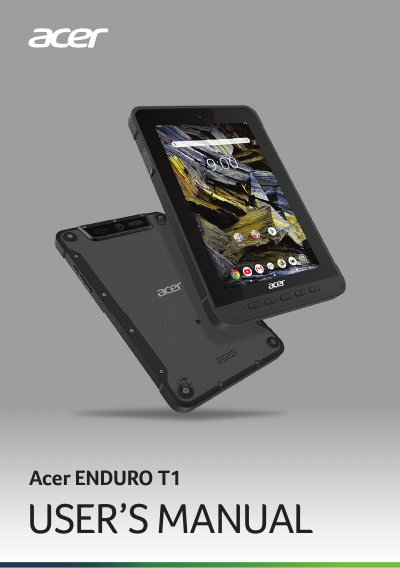
This user's manual for the Acer ENDURO T1 tablet covers unpacking, first-time setup, charging, and using the touchscreen and Home screen. It also describes connecting devices, going online, using the camera and video recorder, and changing advanced settings.
The manual includes FAQ and troubleshooting, specifications, battery safety guidelines, and battery replacement information. It lists the tablet's ports, keys, cameras, optional barcode scanner, and NFC transmitter.
| Processor | MTK MT8385 Octa-core processor |
|---|---|
| Memory and storage | 64 GB eMMC memory, 4 GB LPDDR4 RAM |
| Display | 8-inch IPS LCD capacitive multi-touch screen |
| Resolution | WXGA 1280 x 800 |
| Operating system | Android 9 Pie |
| Wireless LAN | 802.11a/b/g/n/ac |
| Bluetooth | Bluetooth 4.1 |
| Battery | 17.3 Wh 4550 mAh 3.8 V 1-cell Li-ion battery pack |
| Height | 227.1 mm |
| Weight | 496 g |
The manual says to charge it for at least four hours before first use.
Contact your dealer immediately.
It runs Android 9 Pie.
Yes, the specifications list a USB Type-C port with OTG support.