
Introduces the installation and operation of ILC 2050 BI and ILC 2050 BI-L Inline controllers
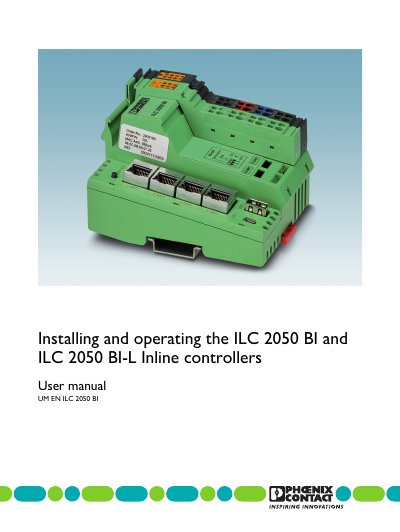
This user manual covers the installation and operation of the Phoenix Contact ILC 2050 BI and ILC 2050 BI-L Inline controllers. These modular small-scale controllers are designed for automation applications in building infrastructure and industrial settings, supporting the Niagara and Sedona frameworks. The device features a scalable I/O system, allowing up to 63 Inline terminals to be connected, and includes scalable software licensing models.
| Processor | ARM Cortex-A8 / 1 GHz |
|---|---|
| RAM | 1 GB |
| Flash Memory | 1.8 GB |
| SRAM | 512 KiB |
| Ethernet Interfaces | 4 x 10/100Base-T |
| Max Inline Terminals | 63 |
The Inline controller is a modular small-scale controller designed for automation applications in building infrastructure and industrial applications.
The device corresponds to degree of protection IP20 and is designed for use in closed control cabinets or control boxes with IP54 degree of protection or higher.
You can connect up to 63 Inline terminals to an Inline controller.