
This manual describes how to connect Festo CPX-FB38 to a Beckhoff PLC to communicate via the EtherCAT network.
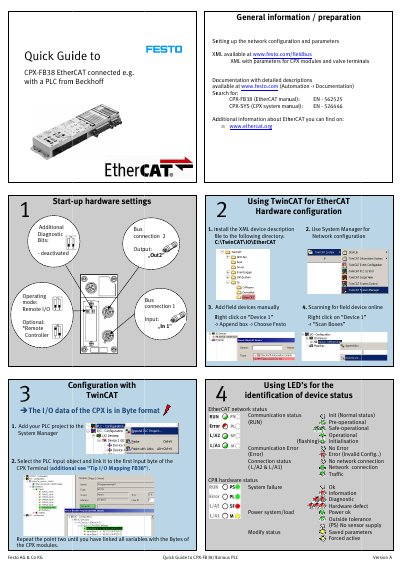
This guide covers setting up a Festo CPX-FB38 EtherCAT connection, including TwinCAT hardware configuration, XML device description installation, and PLC I/O mapping. It also describes LED status identification and network configuration steps.
Additional sections explain I/O mapping, diagnostic bits, status bits, fault mode behavior, and manual addressing for CPX devices.
| EtherCAT visible data | 64 Byte |
|---|---|
| Analogue module channel resolution | 16 Bit |
| Status bits | 8 |
| I/O diagnostic bits default | Deactivated by default |
| Default fault mode outputs | OFF |
| Operating mode | Remote I/O |
| Default network address | By position in network |
64 bytes are always visible for EtherCAT.
All output signals are set to OFF.
Each device receives an address based on its position in the network.