
User manual of HF3510* Wake-up Light, including product instructions, function introduction, operation methods, etc.
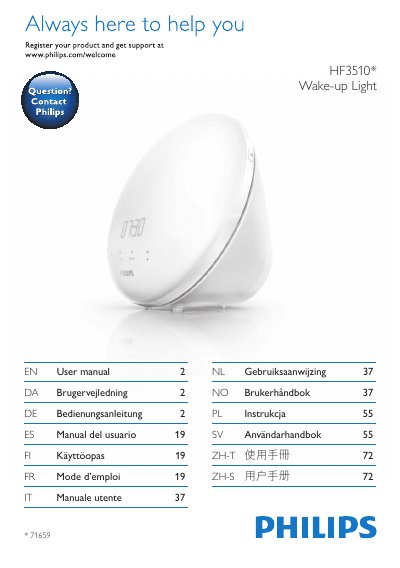
The Philips HF3510 Wake-up Light user manual explains how to set the clock time on first use or after a power failure, navigate the menu, and place the light 40–50 cm from your head, for example on a bedside table. It also describes setting a wake-up profile with wake-up time, light intensity and sound level, choosing natural wake-up sounds or FM radio, and using the lamp as a bedside lamp.
The document covers menu navigation with MENU, +/– and SELECT buttons, adjusting 12- or 24-hour clock time, and switching the lamp on/off with intensity adjustment. It notes that the menu exits by pressing MENU or waiting 30 seconds, that the Wake-up Light has three built-in natural sounds, and refers readers to a separate important information booklet.
| Placement distance | 40-50 cm from your head |
|---|---|
| Built-in natural sounds | 3 |
| Clock time format | 12-hour or 24-hour |
| Menu exit timeout | 30 seconds |
| Wake-up sound options | Natural wake-up sounds or FM radio |
Place it 40–50 cm from your head, for example on a bedside table.
It has three built-in natural sounds.
Press the MENU button or wait 30 seconds.
Yes; press the lamp on/off button to switch on the lamp and adjust light intensity with + and –.