
This guide describes how to install SSD/HDDs in QTS
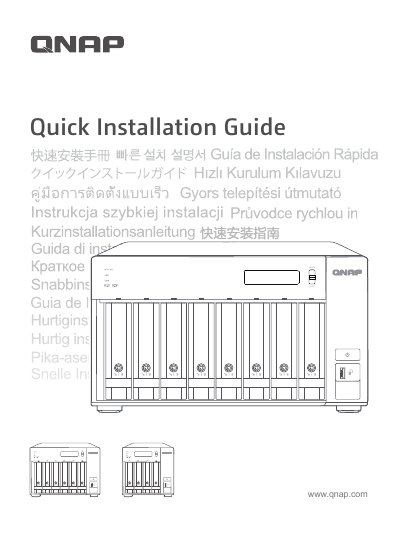
This guide provides quick installation steps for the QNAP Qfinder Pro, including installing 3.5-inch HDDs, 2.5-inch HDDs/SSDs, and M.2 NVMe SSDs, along with controller and optional components.
It also covers cloud installation and setup using Qfinder Pro, Service Portal support, Download Center resources, and regulatory and compliance notices.
| FCC compliance | Class B digital device |
|---|---|
| CE compliance | Class B |
All data on the drive is cleared during SSD/HDD initialization.
Visit the Download Center at www.qnap.com/download.
Try reorienting or relocating the receiving antenna, increasing separation, using a different circuit, or consulting a technician.
Use the Service Portal cloud installation at https://service.qnap.com/install.