
Quick guide to install 3.5" HDD and 2.5" SSD/HDD, initialize drives, and locate NAS using Qfinder Pro, QR code, or myQNAPcloud.
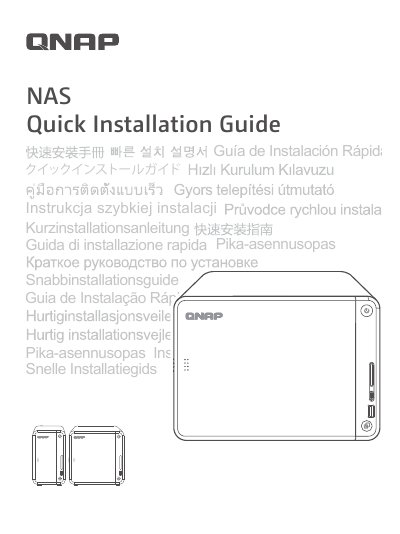
This guide explains how to install hard drives and SSDs into a QNAP NAS device. It covers steps for initializing drives, which will erase all data. Users can locate the NAS using Qfinder Pro software, scanning a QR code, or visiting the myQNAPcloud website to enter a Cloud Key. The guide includes multilingual warnings about data loss during initialization and compliance information for FCC and CE regulations.
All data on the SSD/HDD will be cleared upon initialization.
You can install Qfinder Pro, scan the QR code, or go to myQNAPcloud and enter the Cloud Key.