
SanDisk Photo Album User Guide, introduces how to install and use the product
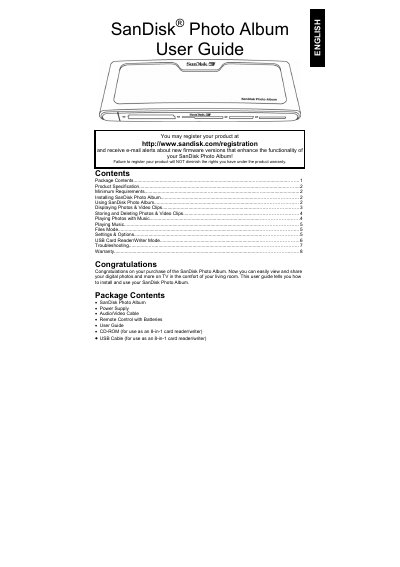
The SanDisk Photo Album is a device for viewing and sharing digital photos and video clips on a TV. It is operated with the included remote control and can read flash memory cards or a USB Flash Drive.
The guide covers installation with the power supply and audio/video cable, displaying photos and video clips, playing music, storing and deleting photos and video clips, Files mode, settings, and use as an 8-in-1 card reader/writer. It also includes product specifications, minimum requirements, troubleshooting, and warranty.
| JPEG photo support | JPEG Baseline, up to 16 Megapixel |
|---|---|
| MPEG-1 video support | QVGA resolution, up to 8 frames per second |
| MP3 audio support | Up to 320 Kbps |
| Video and audio connections | Composite video and stereo audio |
| USB connectors | Two USB 1.1 connectors (to PC and USB Flash Drive) |
| CompactFlash support | CompactFlash Type I / II |
| SD and MultiMediaCard support | SD / MultiMediaCard |
The package includes the SanDisk Photo Album, power supply, audio/video cable, remote control with batteries, user guide, CD-ROM, and USB cable.
Connect the audio/video cable to the TV and to the back of the SanDisk Photo Album; the yellow plug goes to Video In, red to Audio In (R), and white to Audio In (L).
Yes. Connect the A/V cable to the Left and Right Audio In connections of an audio system, insert a card or UFD with only MP3 files, turn the unit on, and press play.
Press STORE when the photo is displayed full screen, then choose original quality or TV quality (640x480 pixels).