
User guide for SanDisk Sansa e100 Series MP3 Player covering setup, music playback, FM radio, menu navigation, and troubleshooting.
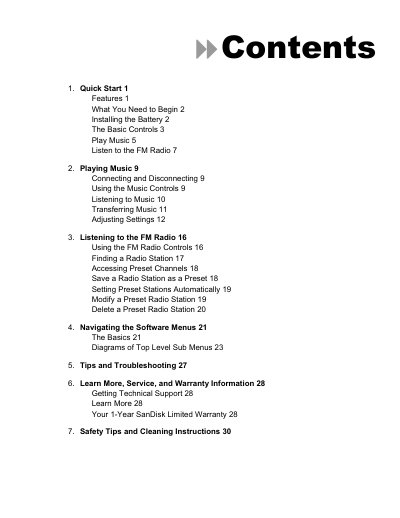
This manual helps you get started with your SanDisk Sansa e100 Series MP3 Player. It covers installing the battery, using basic controls, playing music, and listening to FM radio. You’ll learn how to transfer files via USB, navigate menus, and manage presets. Troubleshooting tips and safety instructions are also included.
The player supports MP3, WMA, and Audible formats, has a backlit LCD display, and offers 20 preset FM radio stations. It includes an SD slot for expandable storage and a Hi-Speed USB 2.0 port for fast file transfers. Playback lasts up to 17 hours on one AAA battery.
| Audio File Formats | MP3, WMA, secure WMA, Audible |
|---|---|
| Display | Backlit graphic LCD |
| Battery Life | Up to 17 hours at 128 kbps with SRS WOW off |
| USB Port | Hi-Speed USB 2.0 |
Turn the player over, depress and pull the battery cover, lift it off, insert the battery with smooth side down, then replace and snap the cover closed.
Connect the player via USB to your computer, then drag and drop music files to the player or use software like Rhapsody.