
The SanDisk ibi Smart Photo Manager User Manual explains setup, app usage, connectivity, and device settings for managing photos and videos.
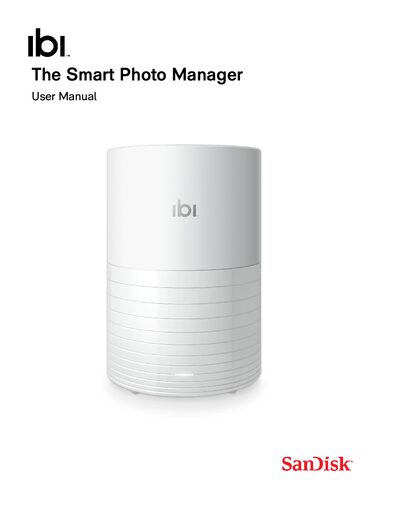
The manual introduces the ibi Smart Photo Manager, describing its features such as automatic photo collection, cloud integration, and private sharing. It guides users through initial setup, connecting via Bluetooth, Wi‑Fi, and the mobile, web, or desktop apps.
Detailed sections cover hardware details (LED indicators, USB port, reset button), handling precautions, compatibility tables for Bluetooth, Wi‑Fi, operating systems, and web browsers, as well as warranty, regulatory compliance, and support information.
| Bluetooth Compatibility | BLE (Bluetooth 4.0 and later) |
|---|---|
| Wi‑Fi Standards | IEEE 802.11ac, a/n, n |
| Wi‑Fi Security | WPA2 + AES, WPA + AES/TKIP, OPEN |
| Supported USB File Systems | FAT, FAT32, exFAT, NTFS, HFS, HFS+, HFS+J |
| Desktop App OS Requirement | 64‑bit Windows or macOS |
| Front LED | Single‑color white indicator |
Press the reset button for at least 60 seconds; this erases all data and returns the device to factory settings.
It supports WPA2 + AES, WPA + AES/TKIP, and OPEN (no authentication).
The device accepts FAT, FAT32, exFAT, NTFS, HFS, HFS+, and HFS+J formatted drives.
A 64‑bit version of Windows (7, 8.x, 10) or macOS (Mojave or later) is required.