
The SanDisk Clip+UM8 Clip Sport MP3 Player User Manual provides safety tips, setup, operation, music, radio, audiobook, and settings instructions.
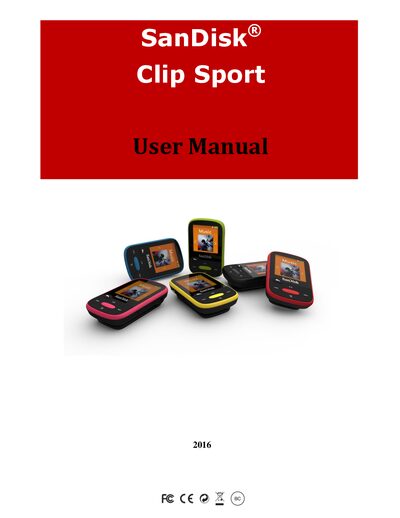
This manual covers safety precautions, cleaning instructions, and disposal guidelines for the SanDisk Clip Sport MP3 player. It explains how to protect your hearing, keep the device dry, and maintain it for long‑term use.
The guide details the player’s features—including music playback, FM radio, audiobooks, microSDHC storage, stopwatch, and customizable settings—along with step‑by‑step instructions for basic operation, file transfer, and troubleshooting.
| Supported memory card | microSDHC |
|---|---|
| Minimum system requirements | Windows XP SP2, Mac OS X 10.3, Linux, USB 2.0 port |
| Audio formats supported | MP3, WMA, Ogg Vorbis, FLAC, AAC (DRM‑free iTunes) |
| FM radio | Integrated FM radio with digital tuner |
Use the supplied USB 2.0 cable to connect the player to a Windows or Mac computer and drag‑and‑drop files.
Open Settings, select Radio Options, then choose Delete All Presets and confirm the action.
Press the Select button on the playback screen to toggle Shuffle On or Off.
Wipe the device with a soft lint‑free cloth and avoid exposing it to moisture.