
This user guide explains how to connect, charge, and use the SanDisk Connect Wireless Stick (SDWS4) with iPhone, iPad, and other Wi-Fi enabled devices for…
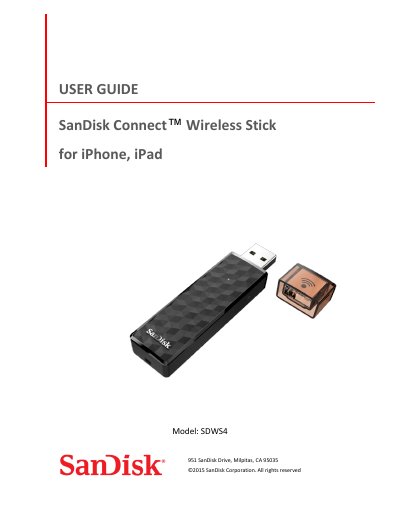
The SanDisk Connect Wireless Stick is a flash drive designed for wireless connectivity with smartphones and tablets. It allows users to wirelessly save and access photos, videos, and files from their iOS devices or connect via USB. The device supports collecting up to 128GB of data and streaming HD content to multiple devices simultaneously.
| Storage Capacity | up to 128GB |
|---|---|
| Wi-Fi Standard | 802.11 b/g/n 2.4Ghz |
| iOS Requirement | version 8.0 or higher |
| USB Interface | USB 2.0 connection interface or higher |
| Charging Time | up to 2 hours |
The LED indicates device status (white blinking), Wi-Fi data transfer (white rapid blinking), battery charging, low battery warning (amber solid), firmware update (color cycling), and red blinking for other alerts.
For best battery life, it is recommended to charge and discharge the device at least once a month.