
The SanDisk Clip Sport Go MP3 player user manual provides safety tips, setup, operation, music, radio, books, voice recording, sport features, and settings.
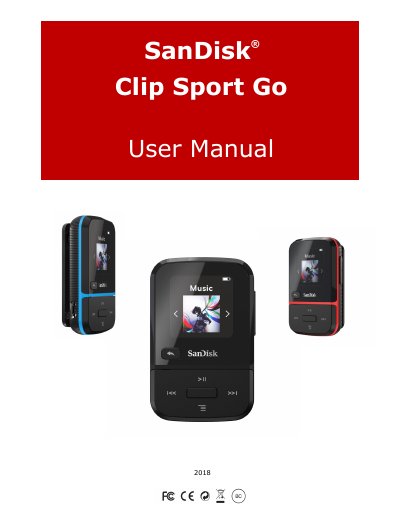
This manual covers the SanDisk Clip Sport Go, a lightweight clip‑on MP3 player designed for active use. It includes safety and cleaning instructions, disposal guidance, and an overview of the device’s features such as music playback, FM radio, audiobooks, voice recording, and sport functions.
Key sections walk the user through basic operation, loading and playing music, using the radio and books, navigating folders, adjusting settings, formatting or restoring the player, and obtaining service and warranty information.
| Minimum System Requirements | Windows XP, Vista, 7+, Mac OS 10.6+, Linux Ubuntu 18.04 |
|---|---|
| USB Interface | USB 2.0 port for high‑speed transfer and charging |
Select Format, choose Yes or No, and press the Select button to confirm.
Select Restore, choose Yes or No, and press the Select button to confirm.
Use the supplied USB 2.0 cable to connect the player to a Windows or Mac computer via a USB port.