
This manual introduces how to use Kodak mc3 portable multimedia device, using mc3 device can play MP3 files, shoot video clips with sound, shoot digital still photos, preview videos and photos with color LCD before shooting and enjoy them after shooting, add photos and recordings to documents or web pages, and send your photos and recordings to your friends by email
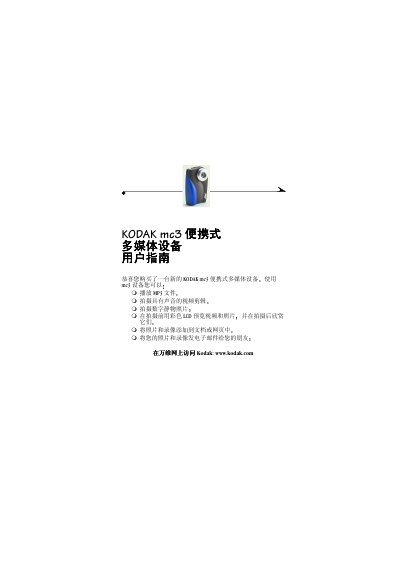
This user manual provides step-by-step instructions for using the KODAK mc3 portable multimedia device. It covers how to prepare the device, play MP3 files, record videos and still photos, connect to computers or TVs, and install software. The guide also includes troubleshooting tips and technical specifications.
The device features a 1.6-inch color LCD screen, supports CompactFlash memory cards, and can be powered by three AAA batteries. It allows users to preview, edit, and share media files via USB or AV cables. This manual is written in Chinese.
| Lens Focal Length | 37 mm (equivalent to 35 mm film) |
|---|---|
| Focus Range | 2.3 feet (0.7 m) to infinity |
| Display | 1.6-inch color LCD, 20 fps preview |
| Storage | CompactFlash I class (external only) |
| Power | 3 x AAA batteries (alkaline, Ni-Cd, or Ni-MH) |
| Still Image Resolution | 640 x 480, 24-bit color |
| Video Resolution | 320 x 240, 10 or 20 FPS, MPEG4 |
| Audio Output | Stereo via headphone jack or AV output |
| Video Output | NTSC or PAL via AV output (requires cable) |
| Interface | USB |
The mc3 supports MP3 audio files and QuickTime (.mov) video files with MPEG4 compression.
Go to the 'Format Card' option in the menu, confirm the action, and wait for the process to complete.
The mc3 uses three AAA batteries (alkaline, Ni-Cd, or Ni-MH).