
This user guide provides instructions for setting up, printing, viewing photos on a TV, transferring images to a computer, and maintaining the Kodak…
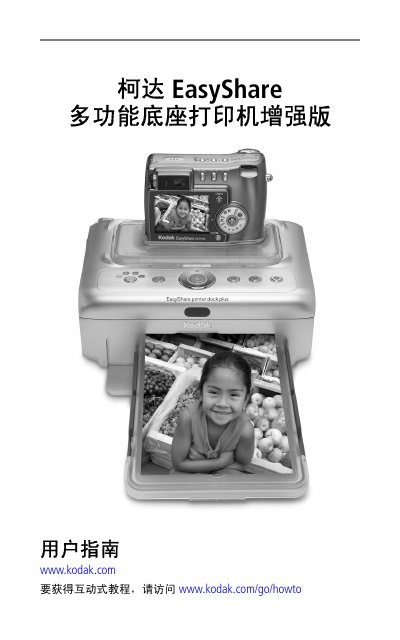
The Kodak EasyShare Multi-Function Dock Printer Enhanced Edition is designed to print, view, and transfer digital photos. The guide covers initial setup steps including unpacking, connecting power, installing ink cartridges, and preparing paper. It details how to connect compatible Kodak cameras or storage cards directly to the dock for printing without a computer. This manual is written in Chinese.
| Print Principle | Dye Sublimation Transfer |
|---|---|
| Operating Temperature | 10 to 35 °C (50 to 95 °F) |
| Humidity | 10% to 86% RH |
| Power Input | 100V to 240V AC, 50/60 Hz |
| Power Output | 24V DC |
| Print Speed | ≤ 60 seconds |
| Dimensions (with tray) | 334 x 188 x 83 mm |
| Weight (with tray) | 1.11 kg |
The recommended operating environment for best photo quality is between 10 and 35 °C (50 to 95 °F).
The print speed is less than or equal to 60 seconds for both independent mode and computer connection.