
The HP OfficeJet 8010 series printer makes it easy to print, scan, and copy documents. This user guide provides detailed information about the printer's features.
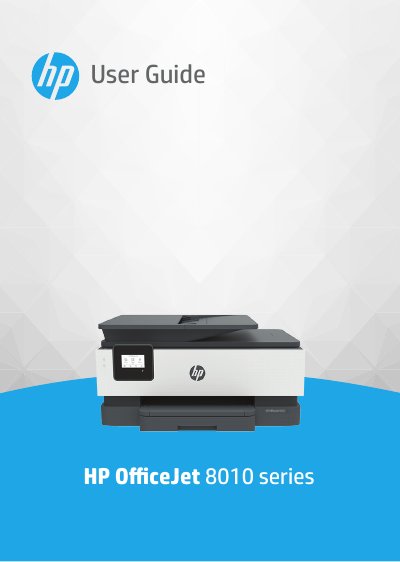
This User Guide for the HP OfficeJet 8010 series provides details about how to use the printer and how to resolve problems. It covers printer parts, the control panel, paper basics, loading paper, loading originals on the scanner glass or in the document feeder, updating the printer, and using the HP Smart app.
The guide also covers printing from a computer, the HP Smart app, and mobile devices, copying and scanning, Web Services and HP ePrint, working with and replacing cartridges, wireless and Wi-Fi Direct network setup, printer management tools, troubleshooting, maintenance, and technical information. It includes safety information and HP EcoSolutions features such as Sleep mode, Auto-Off, and Quiet Mode.
| Sleep mode entry | After five minutes of inactivity |
|---|---|
| Auto-Off time | After 8 hours of inactivity |
After initial setup, the printer enters Sleep mode after five minutes of inactivity.
Auto-Off turns the printer off after 8 hours of inactivity to help reduce energy use.
Quiet Mode slows down printing to reduce overall noise without affecting print quality.