
This document introduces the basic installation and configuration guide of Rosemount 2460 field communication unit
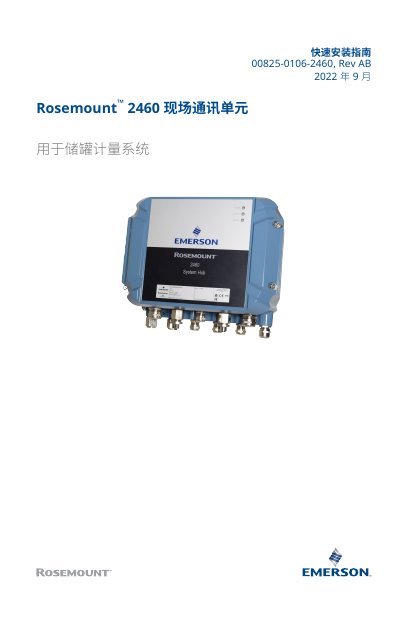
This Quick Installation Guide covers the essential steps for installing and configuring the Rosemount 2460 Field Communication Unit. The device is designed for use in tank metrology systems to collect metering data from field devices and transmit it to host systems.
The document details the physical components of the unit, including various communication ports (Ethernet, RS232, RS485, TRL2) and cable entry sizes. It provides instructions on mounting the unit using a template, connecting power and communication cables, and configuring the device via software. This manual is written in Chinese.
| Mounting Template Diameter | 292 mm |
|---|---|
| Mounting Template Hole Diameter | 6 mm |
The write protect switch prevents unauthorized changes to the 2460 configuration database.
No, the Rosemount 2460 is designed for non-hazardous areas.