
This manual describes the features of the HP LaserJet Analog Fax Accessory 500 and how to set it up.
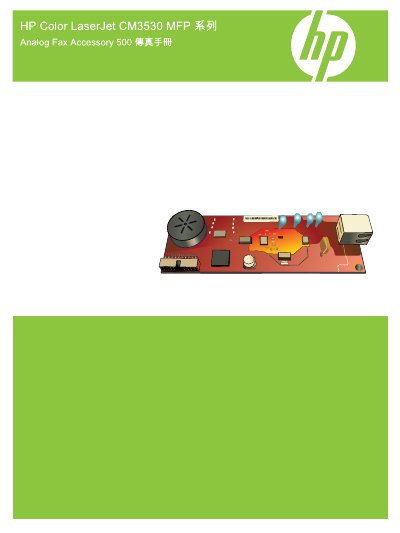
This guide explains how to set up the HP LaserJet Analog Fax Accessory 500 to allow the HP Multi-Function Product (MFP) to operate as a standalone analog fax machine. It covers initial setup, necessary configurations, and verification steps to ensure the fax is ready for use. This manual is written in Chinese.
| Product Name | HP LaserJet Analog Fax Accessory 500 |
|---|
No, if both analog fax and LAN fax are installed, only one type of fax can be enabled at a time.
Information is available in the HP MFP Digital Sending Software User Guide or Support Guide.