
This document is the instruction manual of D-Link DWA-131 Wireless N Nano USB Adapter, it mainly introduces the product's functions and features, installation methods, and solutions to common problems.
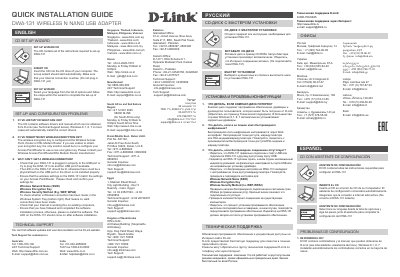
This guide helps users install and configure the D-Link DWA-131 Wireless N Nano USB Adapter. It covers steps for using the setup wizard, installing drivers, and troubleshooting common problems like lost installation CDs or forgotten wireless encryption keys. It also provides technical support contacts for various regions.
The guide includes instructions for Windows 8.1, 8, and 7, which often auto-install drivers. It advises users to check USB connections, LED indicators, and wireless settings to ensure proper operation. Technical support is available via phone or website for users needing further assistance.
The CD contains software drivers and manual which can be obtained from D-Link (see Technical Support below). Windows 8.1, 8, 7 in most cases will automatically install the correct drivers.
The wireless encryption key is configured at the Wireless Access Point, Router or DSL Modem Router. If you are unable to obtain your encryption key, the only solution would be to re-configure your Access Point/Router to use a new encryption key.
Check that your DWA-131 is plugged in properly to the USB port or try to plug the DWA-131 into another USB port if available. The LED on the DWA-131 should be lit, otherwise there could be a physical fault on the USB port or the driver is not installed properly.