
AEGIS A2300 Measuring and Control Device Assembly and Operating Instructions

This manual describes the assembly and operation of the AEGIS II measuring and control device.
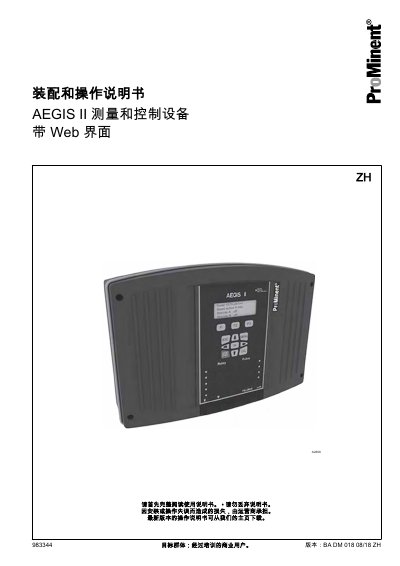

AEGIS A2300 Measuring and Control Device Assembly and Operating Instructions - cover page
Brand
Aegis
Category
Industrial Supply
Document type
User Manual
Language
Chinese
Pages
84
File format
PDF
File size
2.7 MB
Published
29 October, 2023
Updated
29 October, 2023
MD5 checksum
6D17B9692E26D881FBD2D8948AC15D66

About this manual

The AEGIS A2300 is a measuring and control device designed for trained commercial users. It features a front panel with a display for up to six sensors, a multi-color status LED, and nine output status LEDs. The device allows for direct operation via the front panel or remote configuration through a browser application connected via WLAN. This manual is written in Chinese.

What's inside

  • Operating Principle
  • Introduction
  • Identification Codes
  • Safety and Liability
  • Environmental Conditions
  • Assembly and Installation
  • Commissioning
  • Input Programming
  • Control Output Programming
  • System Menu

Frequently asked questions

What is the AEGIS A2300 device used for?

It is a measuring and control device used for real-time sensor readings and control functions.

How do users connect to the device via a browser?

Users connect by entering the IP address 192.168.1.1 in their browser and logging in with a username and password.

What is the default display on the device's front panel?

The default display shows up to six current sensor values and access buttons for status, alarms, and setpoints.

What happens to the status LED when an alarm occurs?

The status LED changes from blue to red flashing when an alarm occurs.

Download PDF (2.7 MB)

More Aegis Manuals


View all Aegis manuals →