
This manual provides instructions for the Aegis 9600IP cordless phone, covering hardware, software, keyboard functions, and web-based configuration.
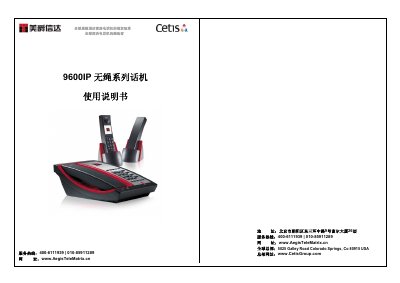
This user manual covers the Aegis 9600IP cordless phone series, designed for hotel guest rooms. It details the hardware components, including the handset and base station features, and explains the software capabilities such as VoIP protocols and network settings.
The guide provides step-by-step instructions for using the keypad, managing phone books, and configuring the device via a web browser. It also includes procedures for making calls, setting up network connections (WAN/LAN), and utilizing advanced features like NAT traversal and QoS. This manual is written in Chinese.
| Operating Frequency | 1.9GHz |
|---|---|
| VoIP Protocols | SIP v1, SIP v2, IAX2 |
Press and hold the Locate button for 3 seconds while in hang-up status.
The G.711 codec supports a data rate of 64K bit/s.
Dial **47 to have the phone broadcast the WAN port's IP address.