
This quick start guide covers setup, connection, and basic operation for the TC Electronic CLARITY M and CLARITY M STEREO desktop audio meters.
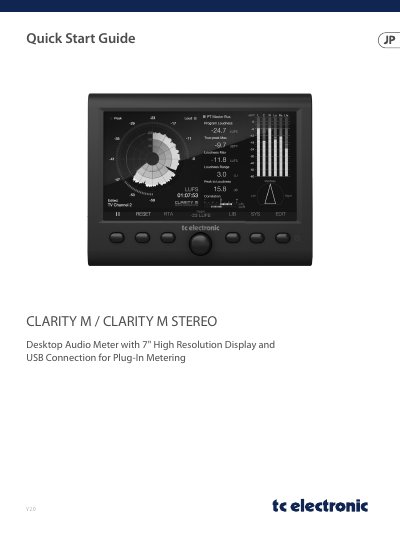
The document provides a quick start guide for the CLARITY M and CLARITY M STEREO desktop audio meters. It includes instructions for initial setup, connecting to external mixing desks or audio interfaces, and performing firmware updates via USB.
The guide details the control layout and connector functions, explaining how to use the knobs and buttons to access loudness measurements, real-time analyzers, and phase correlation displays. It also outlines safety precautions and lists compatible accessories. This manual is written in Japanese.
The unit must be used in a climate of 45°C or lower.
You must use high-quality professional speaker cables with ¼" TS standard connectors and twist-locking plug cables.