
Sun Ultra 24 Workstation Service Manual

sun ultra 24 workstation service manual
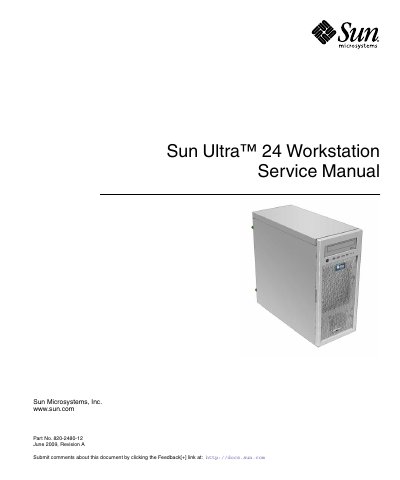

Sun Ultra 24 Workstation Service Manual - cover page
Brand
Sun
Category
Desktops
Document type
Service Manual
Language
English
Pages
138
File format
PDF
File size
10.1 MB
Published
27 October, 2023
Updated
27 October, 2023
MD5 checksum
530DA9852C266AAFB610497BDD8DBB4E

About this manual

This service manual covers the Sun Ultra 24 Workstation from Sun Microsystems. It provides procedures for unpacking, cabling, powering, troubleshooting, running diagnostics, and maintaining the workstation.

Maintenance topics include replacing hard drives, DIMMs, PCIe and PCI cards, the system battery, fan, power supply, I/O board, cables, heatsink, CPU, and motherboard. It also covers BIOS setup, updates, recovery, and Intel MEBx management.

What's inside

  • Sun Ultra 24 Workstation Hardware Features
  • Unpacking, Cabling, and Powering the Sun Ultra 24 Workstation
  • Troubleshooting
  • Running Diagnostics
  • Maintaining the Workstation
  • Managing the System BIOS and MEBx
  • System Specifications
  • BIOS POST Codes

Specifications

Battery Voltage3 VDC
Battery TypeCR 2032

Frequently asked questions

What are the battery specifications for the Sun Ultra 24 workstation?

The battery voltage is 3 VDC and the type is CR 2032.

What must be done before removing the left-side access panel?

Power off the system before removing the left-side access panel.

Download PDF (10.1 MB)

More Sun Manuals


View all Sun manuals →