
Key facts
Start here
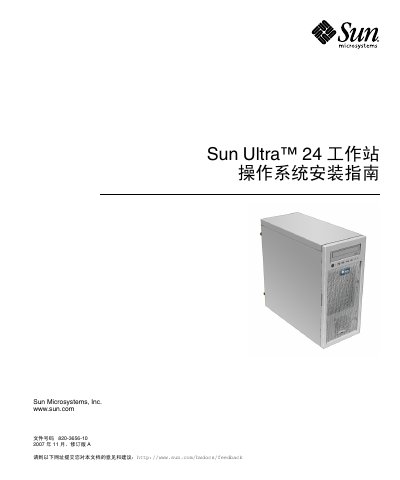
Sun Ultra 24 Workstation Operating System Installation Guide
This document is the Operating System Installation Guide for the Sun Ultra 24 Workstation. It details the procedures for installing Solaris, Linux, and Windows operating systems on the hardware.
The guide covers pre-installation steps such as BIOS configuration and LSI RAID setup. It provides specific instructions for erasing existing operating systems, creating installation media (floppy disks or CD images) for Windows, and performing remote installations via PXE or JumpStart servers. This manual is written in Chinese.
All Sun Ultra 24 Workstation documents by type
Day-to-day operation, settings and troubleshooting. Start here if the product is already set up.
Disassembly, diagnostics and part numbers, for repair.
Questions answered in these manuals
What are the battery specifications for the Sun Ultra 24 workstation?
The battery voltage is 3 VDC and the type is CR 2032.
What must be done before removing the left-side access panel?
Power off the system before removing the left-side access panel.