
This guide covers unpacking, connecting devices, configuring the Service Processor (SP), and installing Solaris OS on the Sun SPARC Enterprise T5140 server.
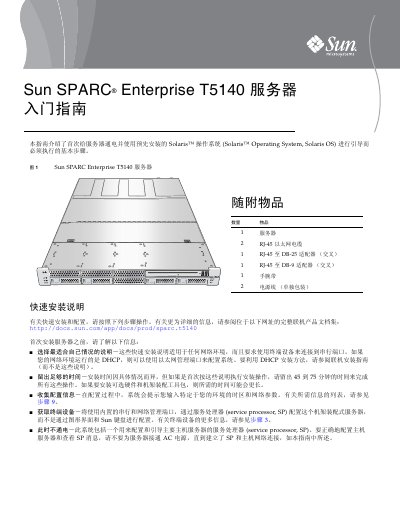
This document provides basic steps for powering on a Sun SPARC Enterprise T5140 server for the first time and booting it with the pre-installed Solaris Operating System. It covers unpacking, connecting equipment, configuring the Service Processor (SP), setting network parameters, installing Solaris OS, and verifying system functionality. This manual is written in Chinese.
The default password to log in as root on the Service Processor is changeme.
It takes approximately 20 minutes to complete the server initialization after starting the SP console.
The terminal device must be set to 9600 baud, 8 data bits, no parity, and 1 stop bit.