
Thermo Fisher Scientific Q Exactive™ GC QuickStart Guide

This is a QuickStart Guide for Thermo Scientific™ Q Exactive™ GC mass spectrometer.
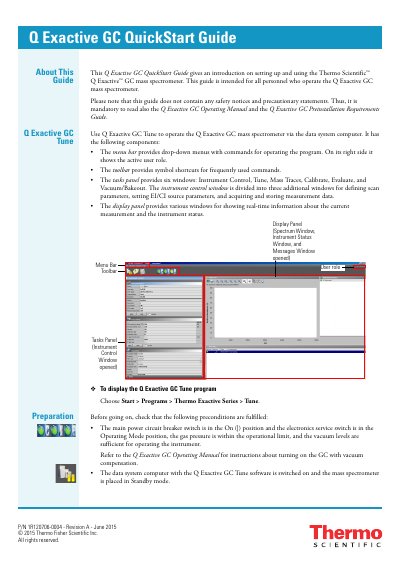

Thermo Fisher Scientific Q Exactive™ GC QuickStart Guide - cover page
Brand
Thermo Fisher Scientific
Document type
Quick Start Guide
Language
English
Pages
10
File format
PDF
File size
1.6 MB
Published
27 October, 2023
Updated
27 October, 2023
MD5 checksum
8A67670D1902BC8980D9ED4504AF05A9

About this manual

This guide introduces how to set up and use the Q Exactive™ GC mass spectrometer via the data system computer. It covers starting the Tune software, preparing the instrument, setting up scan parameters, and testing the system before calibration. The guide assumes users have read the Operating Manual and Preinstallation Requirements Guide for safety and operational details.

The guide walks users through configuring the EI/CI source, setting scan parameters including resolution and polarity, and verifying instrument performance by monitoring real-time spectrum data and ion current stability.

What's inside

  • About This Guide
  • Preparation
  • Setting up Q Exactive GC Tune
  • Testing the Mass Spectrometer
  • Mass Calibration

Frequently asked questions

What is the default MS transfer line temperature for the Q Exactive™ GC?

The default MS transfer line temperature is 250 °C.

What is the default ion source temperature for the Q Exactive™ GC?

The default ion source temperature is 200 °C.

What scan range should be set for tuning and calibration?

Set the scan range between m/z 50 and 550.

What AGC target value should be set for tuning and calibration?

Set the AGC target to 1e6.

Download PDF (1.6 MB)

More Thermo Fisher Scientific Manuals


View all Thermo Fisher Scientific manuals →