
This manual provides instructions for using the remote control for your TV
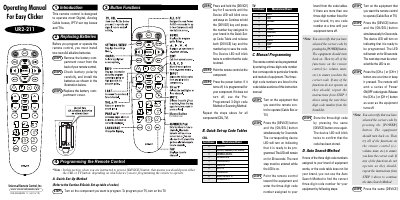
This document is the operating manual for the Universal Remote Control UR2-211, also known as the Easy Clicker. It is designed to operate most Digital, Analog Cable boxes, IPTV set top boxes, and TVs. The manual provides instructions for installing batteries and programming the remote using Quick Set-Up codes, Manual Programming, or the Auto Search Method.
Press and hold the [DEVICE] key for 5 seconds until the Device LED will blink once and stays on.
Press the [DEVICE] button and the [OK/SEL] button simultaneously for 3 seconds.
The LED will remain on for 30 seconds.
Press the same [DEVICE] button once again.