
This document describes the programming method of the remote control, including programming through a three-digit code. The document also provides a code table, which allows selecting the corresponding code based on the manufacturer and brand. By pressing the appropriate button and entering the correct code, the remote control can be programmed and controlled with audio/video equipment. If the functions of the remote control do not work properly, different codes can be tried. After successful programming, the remote control will emit a confirmation signal.
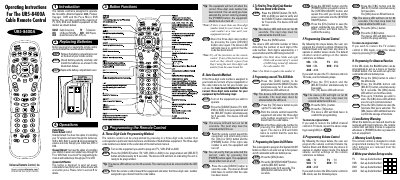
This manual provides detailed instructions for operating and programming the Universal Remote Control UR5-8400A cable remote control. It covers programming methods using three-digit codes and an auto-search method for various audio/video equipment brands. The guide also explains how to program advanced functions such as system on/off buttons, channel control, and volume control across different device modes.
You can verify you have selected the correct code by pressing the [POWER] button; the equipment should turn on or turn off.
The device LED will turn on for 20 seconds, and the next step must be entered while the LED is on.
The device LED will blink twice to confirm that the code has been stored.
The remote control LED will blink 2 times in sequence whenever a [POWER] button is pressed to turn on equipment.