
Universal Remote Control MX-450 Programming Guide

The MX-450 Owners Manual introduces the basic functions and usage methods of the MX-450 remote control, including the programming, setting and use of the remote control.
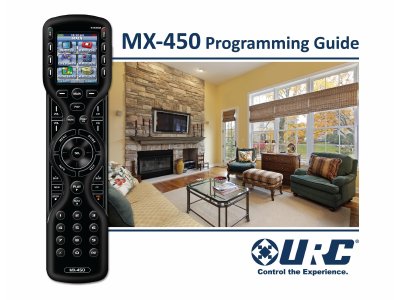

Universal Remote Control MX-450 Programming Guide - cover page
Brand
Universal Remote Control
Document type
User Manual
Language
English
Pages
33
File format
PDF
File size
3.9 MB
Published
16 October, 2023
Updated
16 October, 2023
MD5 checksum
DB343C8E857EDA47D25E9BF32AE386F2

About this manual

This manual provides instructions for programming and using the Complete Control MX-450 smart remote. It details how to add devices using the built-in library or by learning codes from original remotes. The guide explains the remote's unified interface, which allows control of multiple devices like TVs, stereos, and cable boxes from a single unit.

What's inside

  • Getting Started
  • Navigating the MX-450
  • Setup Screen Overview
  • Basic Setup
  • Advanced Setup
  • Favorite Channels
  • One-Touch Activities
  • RF Setup
  • Glossary

Frequently asked questions

How many remotes can be programmed into the MX-450?

You can program up to 20 remotes into your new MX-450.

How long must you hold the MAIN button to enter the Main Setup Menu?

Press and hold the MAIN button for 3 seconds to enter the menu.

What happens if you press any button or the LIGHT button on the remote?

Both the screen and buttons will illuminate when you press them.

Download PDF (3.9 MB)

More Universal Remote Control Manuals


View all Universal Remote Control manuals →