
Universal Remote Control UR3-SR2 Operating Manual

This document introduces the use of universal remote control, including battery installation, device connection, code setting, etc.
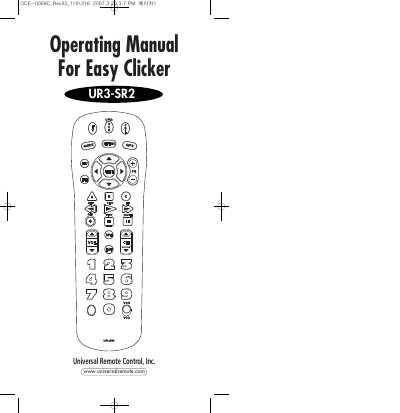

Universal Remote Control UR3-SR2 Operating Manual - cover page
Brand
Universal Remote Control
Document type
User Manual
Language
English
Pages
13
File format
PDF
File size
692 KB
Published
16 October, 2023
Updated
16 October, 2023
MD5 checksum
98F35AA70E18CA3E5AD8284F982B37C6

About this manual

This document is the operating manual for the Universal Remote Control model UR3-SR2. It provides instructions on installing batteries and explains how to program the remote to operate various devices such as TVs, cable boxes, VCRs, and DVD players using either a three-digit code entry method or an auto-search function.

What's inside

  • Introduction
  • Replacing Batteries
  • Programming the Remote Control
  • Manual Programming Method
  • Auto Search Method
  • Advanced Functions
  • Assigning Channel Keys to a Different Device
  • Low Battery Warning
  • Memory Lock System

Frequently asked questions

How long does the device LED stay on after pressing the buttons?

The corresponding device LED will turn on for 20 seconds.

How can I verify that I have selected the correct code number?

You can verify by pressing the [MUTE] button; if the equipment turns off, the code is likely correct.

How long does the remote retain programmed memory?

The remote control retains programmed memory for 10 years, even after batteries are removed.

Download PDF (692 KB)

More Universal Remote Control Manuals


View all Universal Remote Control manuals →