
The CL11 is an accurate desktop datalogger that displays & records relative humidity, temperature, CO2 and external probe temperature.
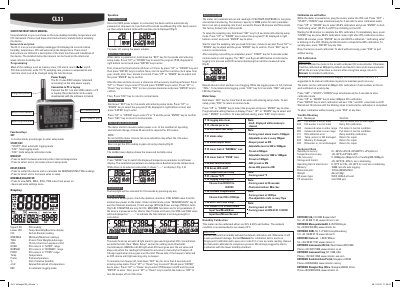
The Rotronic CL11 is a desktop datalogger that measures and records relative humidity, temperature, CO2, and external probe temperature. It features automatic logging with 10,000 data points per parameter and adjustable sampling rates from 1 second to 4 hours 59 minutes 59 seconds. The device can be configured via function keys for settings like alarm thresholds, units, and real-time clock. Calibration is supported via salt bottles or CO2 calibration in fresh air. It uses a 5VDC adapter and connects to PC via mini USB for data download.
| Memory Capacity | 10000 points per parameter |
|---|---|
| Sampling Rate | 1 second to 4 hours 59 minutes 59 seconds |
Hold down the 'SET' key for 2 seconds to enter setup mode. Use 'UP' or 'DOWN' to select program P40, then press 'ENTER' to input the desired sampling rate from hour, minute to second, and confirm with 'ENTER'.
Press 'SET' + 'START' + 'DOWN' for 3 seconds to enter calibration mode. Select 400ppm CO2, press 'ENTER' to start. Wait about 10 minutes until the blinking stops to indicate calibration is complete. Press 'ESC' to abort without saving.
Enter setup mode by holding 'SET' for 2 seconds. Select P10, press 'ENTER', then choose 'YES' and confirm with 'ENTER'. Press 'ESC' to return to normal mode.