
This manual introduces the features, characteristics and usage of Rotronic HygroClip 2 (HC2) Humidity Temperature Probes.
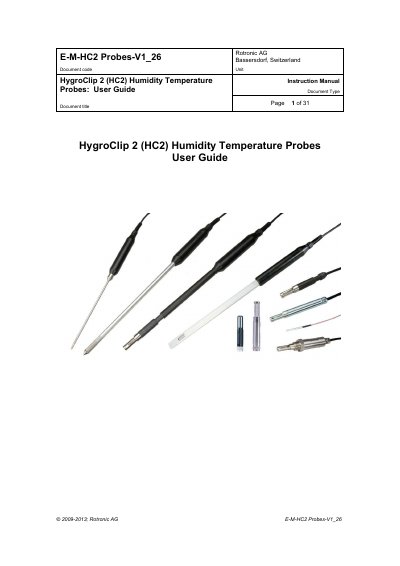
The HygroClip 2 (HC2) series consists of digital humidity-temperature probes based on AirChip 3000 technology. These probes feature a UART serial interface and two 0…1 V linear analog output signals. They are designed for use with the HygroClip 2 generation of ROTRONIC instruments, including hand-held and bench top indicators, data loggers, transmitters, and hygrostats. The probes also support stand-alone operation using analog outputs or digital interfaces connected to a PC or network.
| Humidity measuring range | 0…100 %RH |
|---|---|
| Temperature limits | -50…100 °C |
| Analog output signals | two 0…1 V linear analog output signals |
| Digital interface | UART serial interface |
| Firmware requirement | firmware version 3.0 or higher |
Configuration requires a PC with the ROTRONIC HW4 software version 2.1.0 or higher.
Yes, they can be used as a stand-alone device using either the analog output signals or the probe digital interface.
Power the probe by pressing once on the red button located on top of the probe if the red LED is not lit.