
Short instruction manual for the Rotronic CL11 desktop datalogger, covering setup, operation, calibration of humidity/temperature/CO2, and troubleshooting.
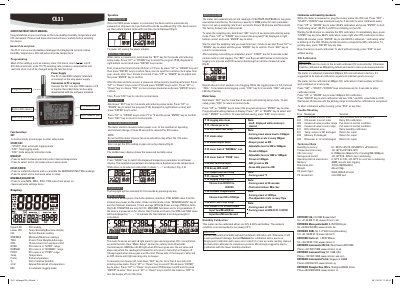
The document is a short instruction manual for the Rotronic CL11 Desktop Datalogger. It describes the device as an accurate instrument that displays and records relative humidity, temperature, CO2, and external probe temperature.
Key operational features include automatic data logging with up to 40,000 records per parameter, configurable sampling rates from 1 second to nearly 5 hours, and programmable alarm settings. The manual provides step-by-step instructions for setting the sampling rate, configuring units (Celsius/Fahrenheit), and managing real-time clock settings via function keys.
| Memory capacity | 40,000 records auto logging |
|---|---|
| Sampling rate range | 1 second to 4 hours 59 minutes and 59 seconds |
| Humidity accuracy | ±3% (10~95%@25 OC) |
| Temperature accuracy | ±0.3OC@5~40OC |
| CO2 accuracy | ±(30ppm+5% of reading)@0~5000ppm |
| Power supply | 5VDC, 400mA at least |
Hold down the 'SET' key for 2 seconds to enter setup mode, select program P 40, input the desired time (hour, minute, second), and press ENTER.
Use 35% and 80% salt bottles for dual point calibration at a steady ambient temperature of 25°C. Plug the probe into the salt bottle to start.
Error code E11 indicates an RH (humidity) calibration error.