
dbx DriveRack PA2 Owner's Manual

This document is the warranty terms for dbx products
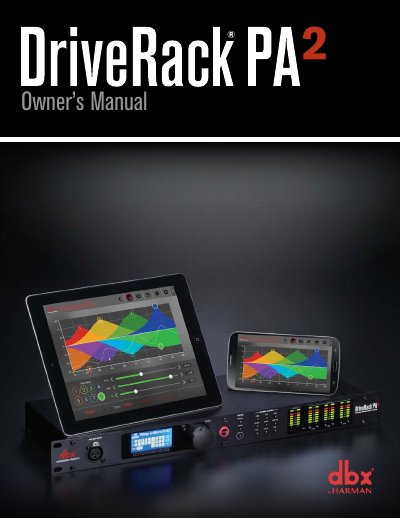

dbx DriveRack PA2 Owner's Manual - cover page
Brand
dbx
Category
Other Electronics
Document type
User Manual
Language
English
Pages
68
File format
PDF
File size
4.2 MB
Published
27 October, 2023
Updated
27 October, 2023
MD5 checksum
E2FFD7507D846065D2856533E93B3782

About this manual

This document is the Owner's Manual for the dbx DriveRack PA2, a professional audio processor designed for speaker and amplifier tuning. It provides comprehensive instructions on installing the unit, making audio and network connections, and applying power. The guide details the user interface, including front and rear panel connectors, and explains how to navigate the menu system to configure various processing modules.

What's inside

  • Overview
  • Introduction
  • Features
  • User Interface & Connectors
  • Installing The DriveRack PA2
  • Getting Started
  • Menu Navigation
  • Configuring The DriveRack PA2
  • Operating The DriveRack PA2
  • The PA2 Processing Modules & Parameters

Frequently asked questions

How do I register my product for warranty?

Please register your product online at dbxpro.com.

What is the warranty period for the dbx DriveRack PA2?

The warranty covers the product for a period of two years from the date of purchase.

Where can I find the serial number of the device?

The serial number is printed on a sticker attached to the chassis.

Do I need a Return Authorization Number to return the product?

Yes, you must first contact Technical Support to obtain a Return Authorization Number before returning the product.

Download PDF (4.2 MB)

More dbx Manuals


View all dbx manuals →