
This is an instruction manual for a multi-parameter tester, which covers the use of 3 models: PCTestr 35, PTTestr 35, and PCSTestr 35
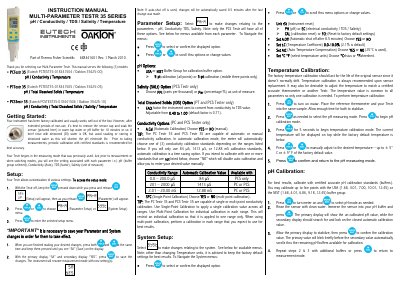
This manual covers the PCTestr 35, PTTestr 35, and PCSTestr 35 models, detailing setup, calibration, and sensor/battery replacement. It explains how to configure parameters like pH, conductivity, TDS, and salinity, including automatic and manual calibration options. The guide also covers temperature calibration, sensor replacement, battery replacement, storage, and troubleshooting common issues like unstable readings or calibration errors.
The device includes factory calibration and allows customization of settings such as temperature units, auto-shut off, and calibration methods. Calibration is recommended with certified standards, and the manual provides step-by-step instructions for each parameter and mode.
| pH Calibration Buffers | USA (1.68, 4.01, 7.00, 10.01, 12.45) or NIST (1.68, 4.01, 6.86, 9.18, 12.45) |
|---|---|
| Conductivity Calibration Standards | 84 µS, 1413 µS, or 12.88 mS |
| Temperature Calibration Range | ±5°C or ±9°F of factory default |
| Battery Type | 4 × 1.5V alkaline (LR44 or A76) |
Calibrate with certified accurate pH calibration standards (buffers). You may calibrate up to five points with the USA or NIST buffer group.
Twist off the ribbed collar and pull the sensor straight out. To install the new sensor, line up the tabs and 8 pins, then twist the ribbed collar back on.
Calibration error, usually attempting to calibrate to a value which is out of range or under range.