
This document is about a user guide of a multimedia control system for conference room. It introduces the system's function and how to use.
This guide explains how to operate a multimedia control system in a conference room. It covers navigating the main interface, selecting video sources, controlling a projector, and managing a camera. The system includes options to mute the display, adjust volume, and turn components on or off.
The interface is touch-based, with source selection on the left, audio controls on the right, and additional functions at the bottom. The system can be powered off via a confirmation prompt, and camera presets can be saved by holding a button for 3 seconds.
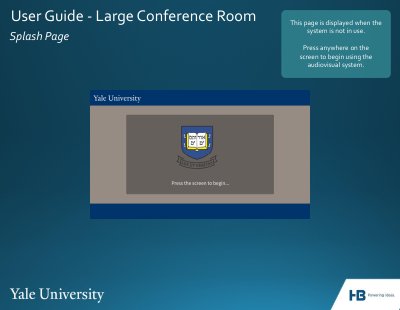
It displays and lets you press anywhere to begin using the audiovisual system.
It displays a page asking you to press ‘Yes’ to turn off the system or ‘No’ to return to normal operation.
You must press and hold for 3 seconds to store a new preset.