
This manual describes how to use EAH-AZ60, EAH-AZ40 Digital Wireless Stereo Earphones.
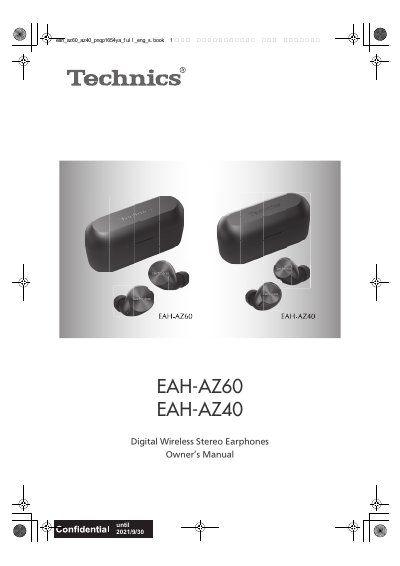
The Technics EAH-AZ60 and EAH-AZ40 are digital wireless stereo earphones. This owner's manual provides safety instructions and information about Bluetooth use, including frequency band, certification, restrictions, range, interference and intended usage.
It also includes notes on LDAC for the EAH-AZ60, explaining that the LDAC setting is disabled at purchase and can be changed with the Technics Audio Connect app. Safety sections cover the built-in battery, earphones and earpieces, allergies and precautions for listening.
| Frequency band | 2.4 GHz |
|---|---|
| Maximum range | 10 m (33 ft) |
| Bluetooth data transmission | Cannot transmit data to a Bluetooth device |
| LDAC setting (EAH-AZ60) | Disabled at time of purchase; can be changed with Technics Audio Connect app |
The unit uses the 2.4 GHz frequency band.
Use the unit at a maximum range of 10 m (33 ft); the range can decrease depending on the environment, obstacles or interference.
The LDAC setting is disabled at purchase and can be changed with the free Technics Audio Connect app.
No. The unit cannot transmit data to a Bluetooth device.