
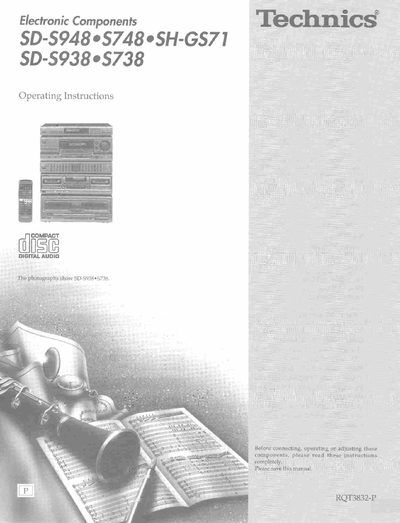
Technics SD-S948/S748/SH-GS71 SD-S938/S738 Manual


Technics SD-S948/S748/SH-GS71 SD-S938/S738 Manual - cover page
Brand
Technics
Document type
User Manual
Language
English
Pages
56
File format
PDF
File size
3.7 MB
Published
03 July, 2012
Updated
16 July, 2012
MD5 checksum
16EA975BFCFF994FD0FA99FBA7D52AB3

About this manual

This document provides operating instructions for the Technics SD-S938/S738 Digital Audio System. It details the supplied accessories, safety precautions, and proper placement requirements to ensure optimum performance and safety.

The manual covers equipment connections including antenna and speaker setups, as well as detailed guidance on using front panel controls. It explains how to listen to radio broadcasts, compact discs, and cassette tapes, along with functions for recording, adjusting sound fields, and utilizing Dolby Pro Logic.

What's inside

  • Supplied accessories
  • Precautions
  • Placement
  • Equipment connections
  • Antenna connections
  • Speaker connections
  • Front panel controls
  • Listening to radio broadcasts
  • Listening to compact discs
  • Technical specifications

Specifications

System ComponentsTuner, Amplifier, Graphic equalizer, Cassette deck, CD changer

Frequently asked questions

What is the recommended temperature range for operating this unit?

The unit should not be placed in temperatures less than 5°C (41°F) or greater than 35°C (95°F).

How much clearance is required from the rear of the unit for ventilation?

You must allow 10 cm (4") clearance from the rear of the unit.

How long should you wait for moisture to evaporate if it forms inside the unit?

Turn on the power and wait about one hour for the moisture to evaporate.

Download PDF (3.7 MB)

More Technics Manuals


View all Technics manuals →